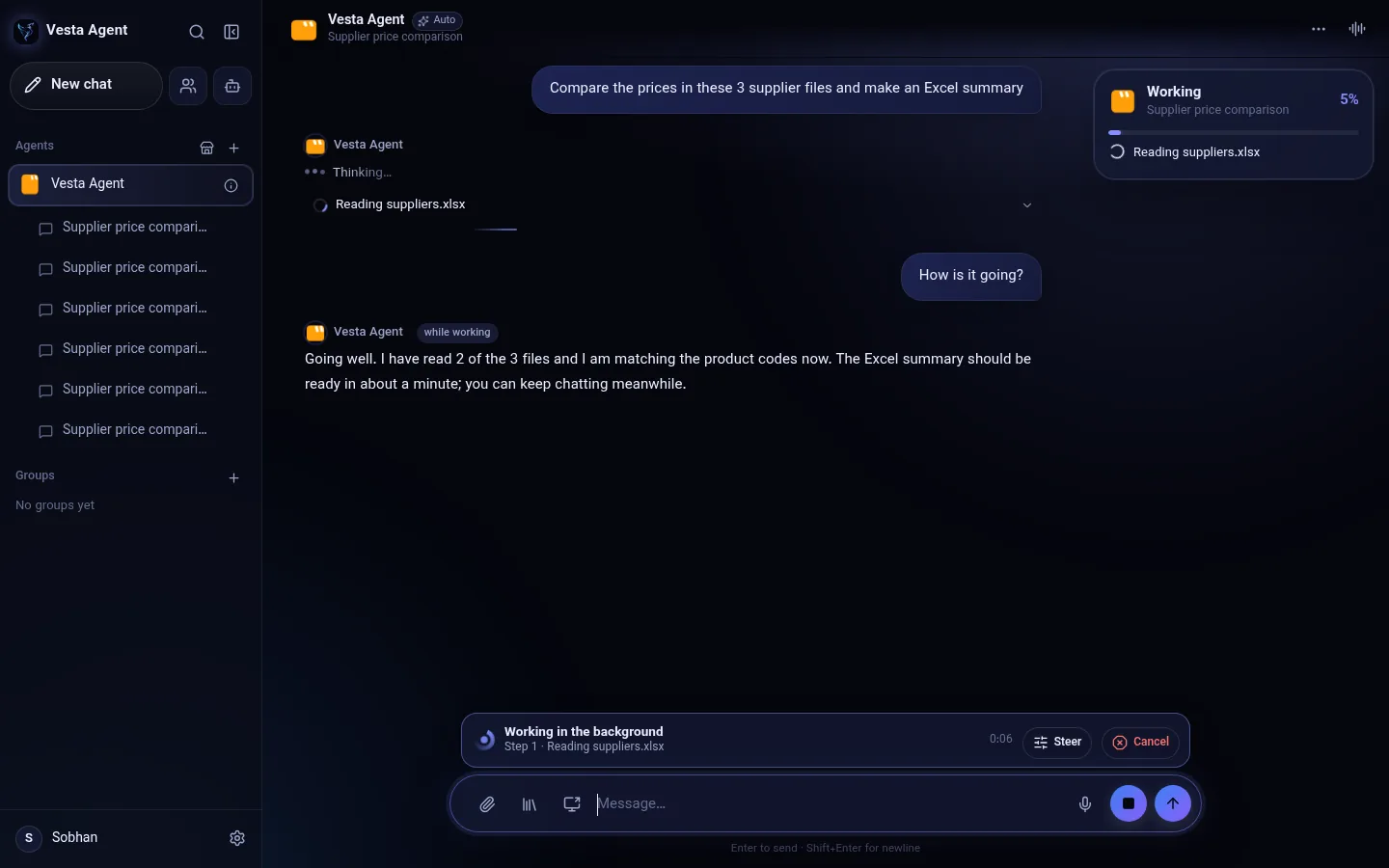
Keeps working while you chat
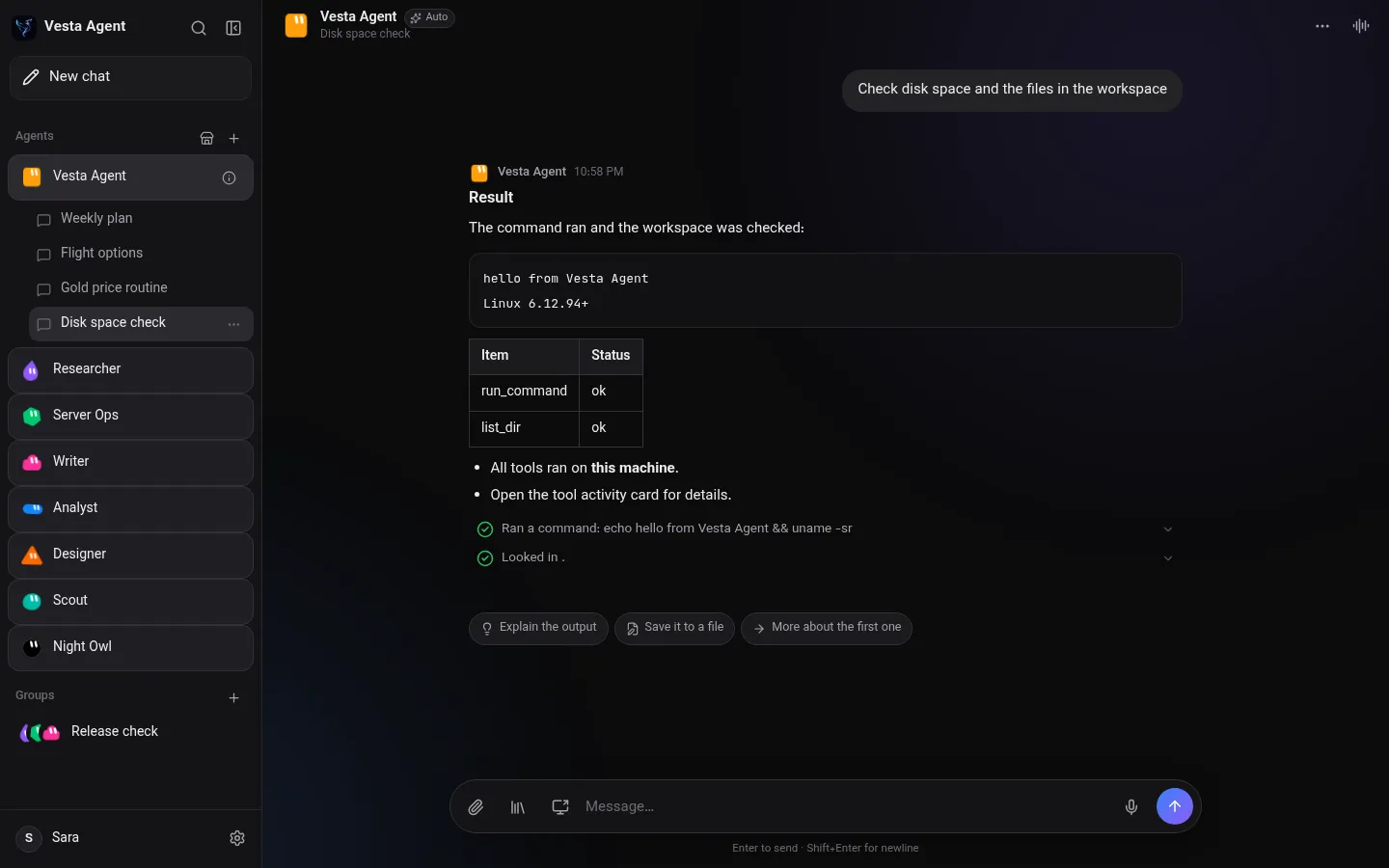
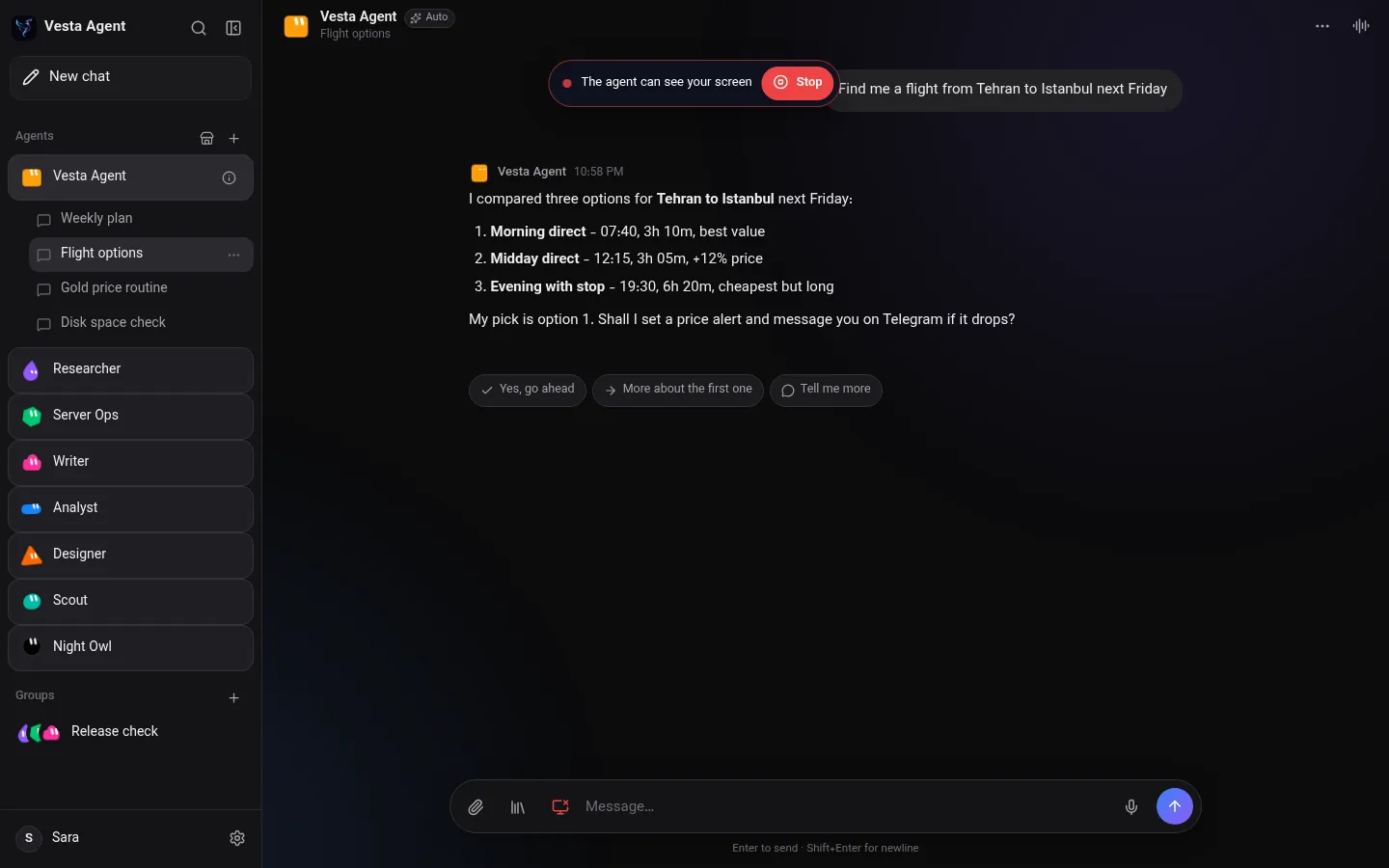
Long tasks run in the background with a live status card. Keep chatting, ask how it is going, change the plan or cancel it, and the task carries on.
 Personal AI assistant · v1.8.1
Your own AI agent that talks, sees your screen, controls your phone and gets things done. Everything stays on your device.
Free for Windows, Android, Linux and iPhone · Version 1.8.1Floating island, background tasks, apps and files, voice calls, themes and free models. Captions in 10 languages.
One app, powerful agents, and no servers of ours in between.
Long tasks run in the background with a live status card. Keep chatting, ask how it is going, change the plan or cancel it, and the task carries on.
The agent taps, types and navigates on Android, even without a computer.
Talk naturally and hear spoken replies. Share your screen mid-call and ask what is wrong.
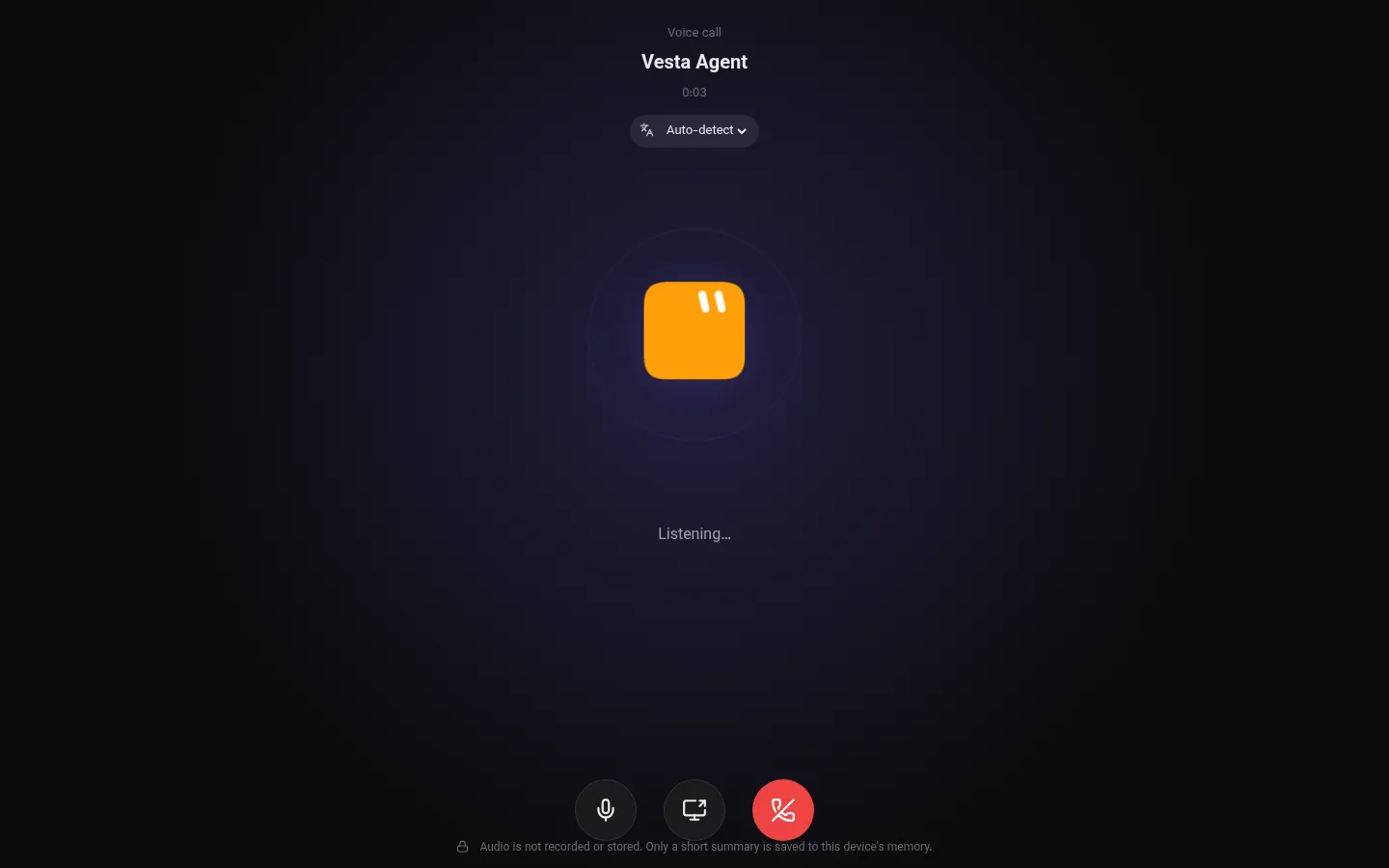
With your permission the agent sees your screen, explains it and helps you fix it.
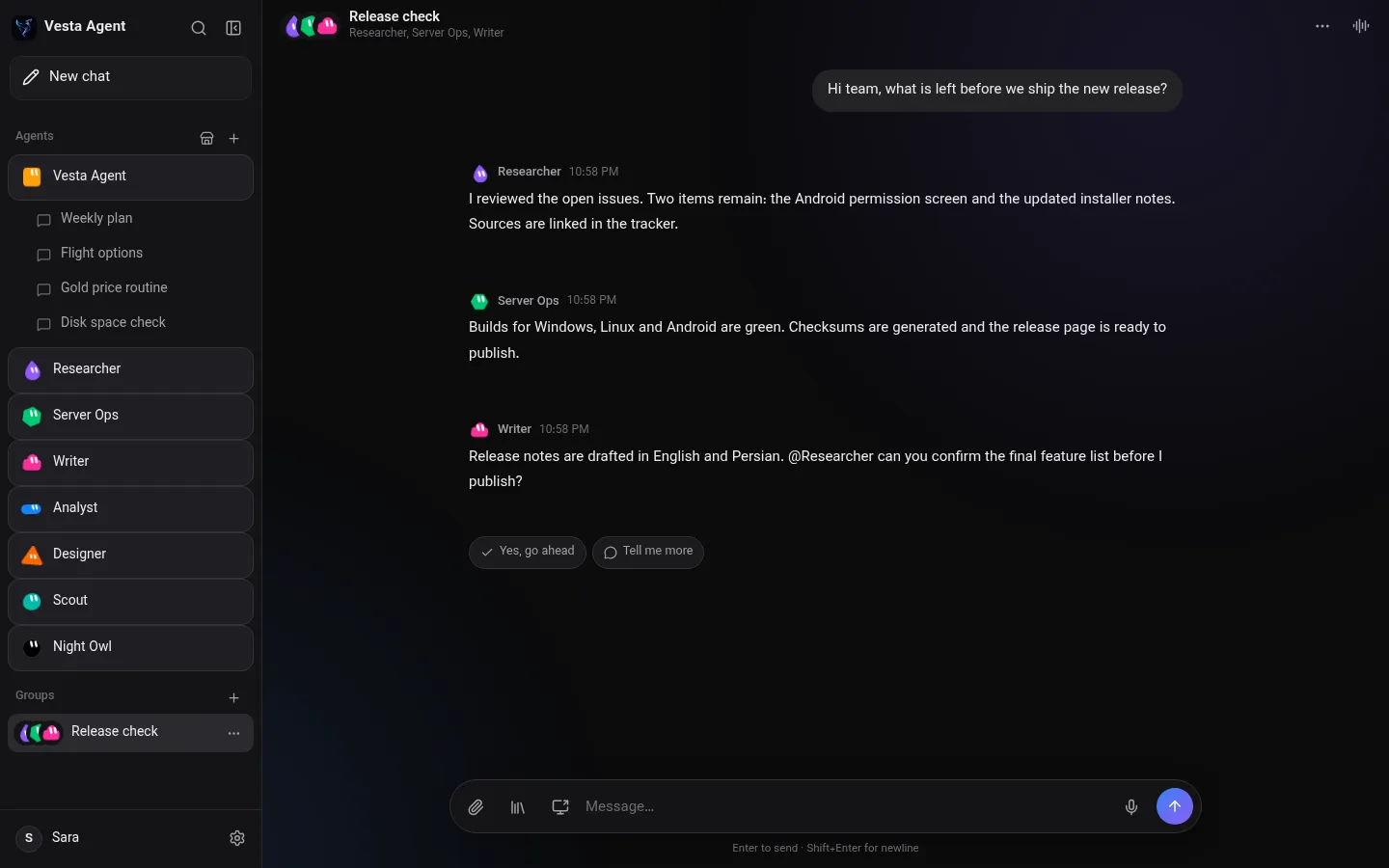
Put specialised agents in one room and let them split the work.
Smart memory that lives only on your device. View, edit or wipe it at any time.
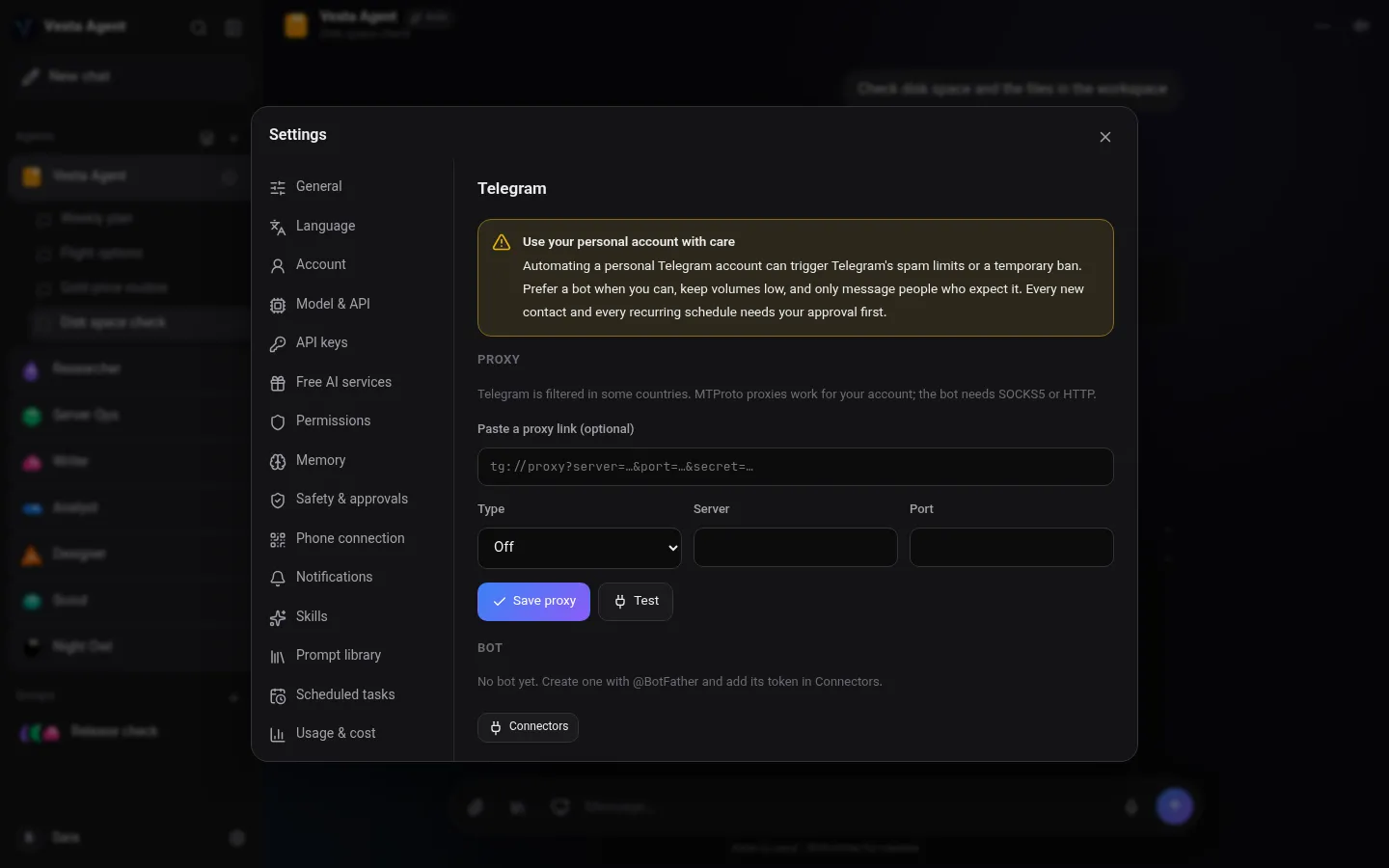
Connect your own bot or personal account and schedule messages.
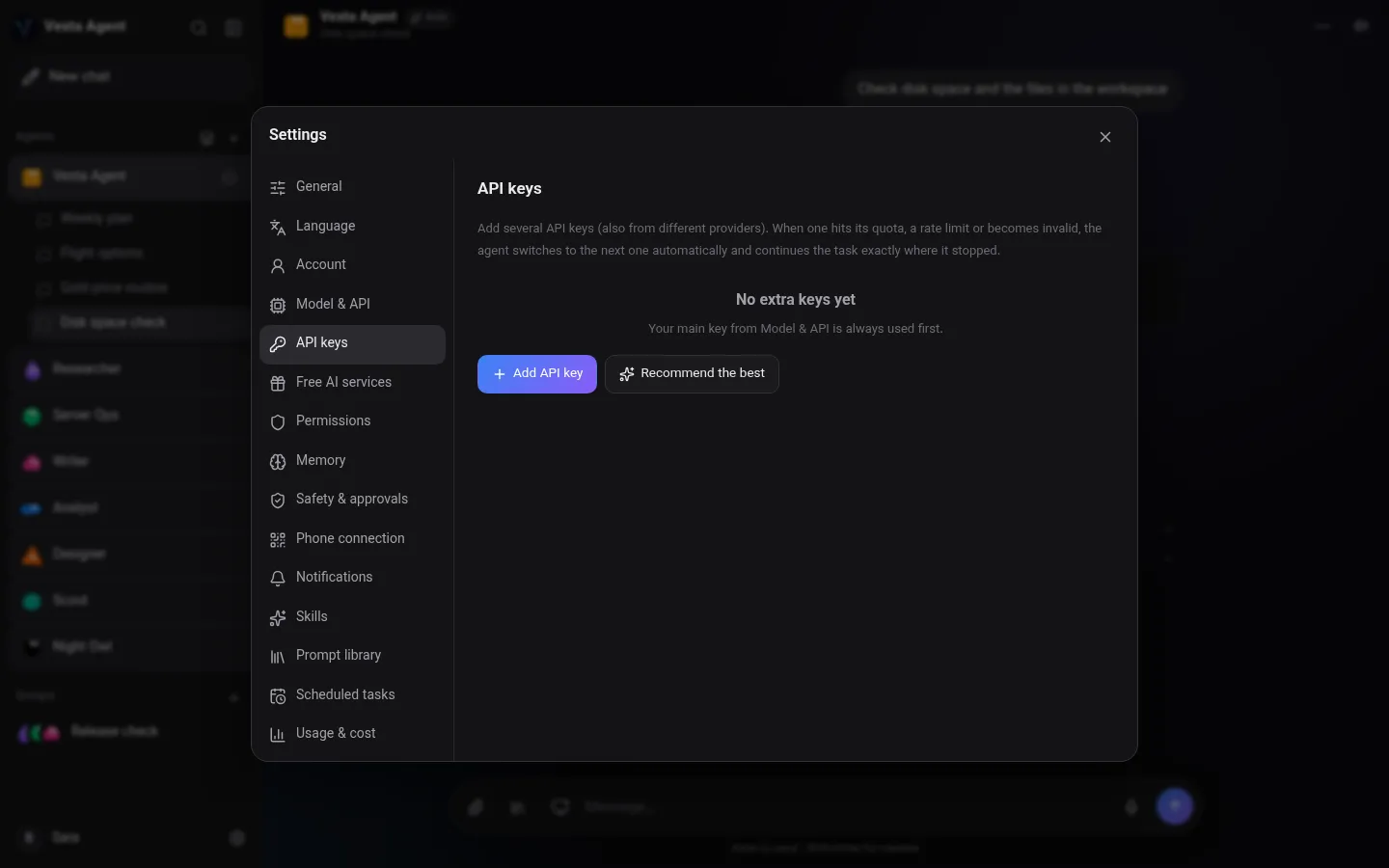
Add several API keys per agent. When one runs out, the next one continues the same task.
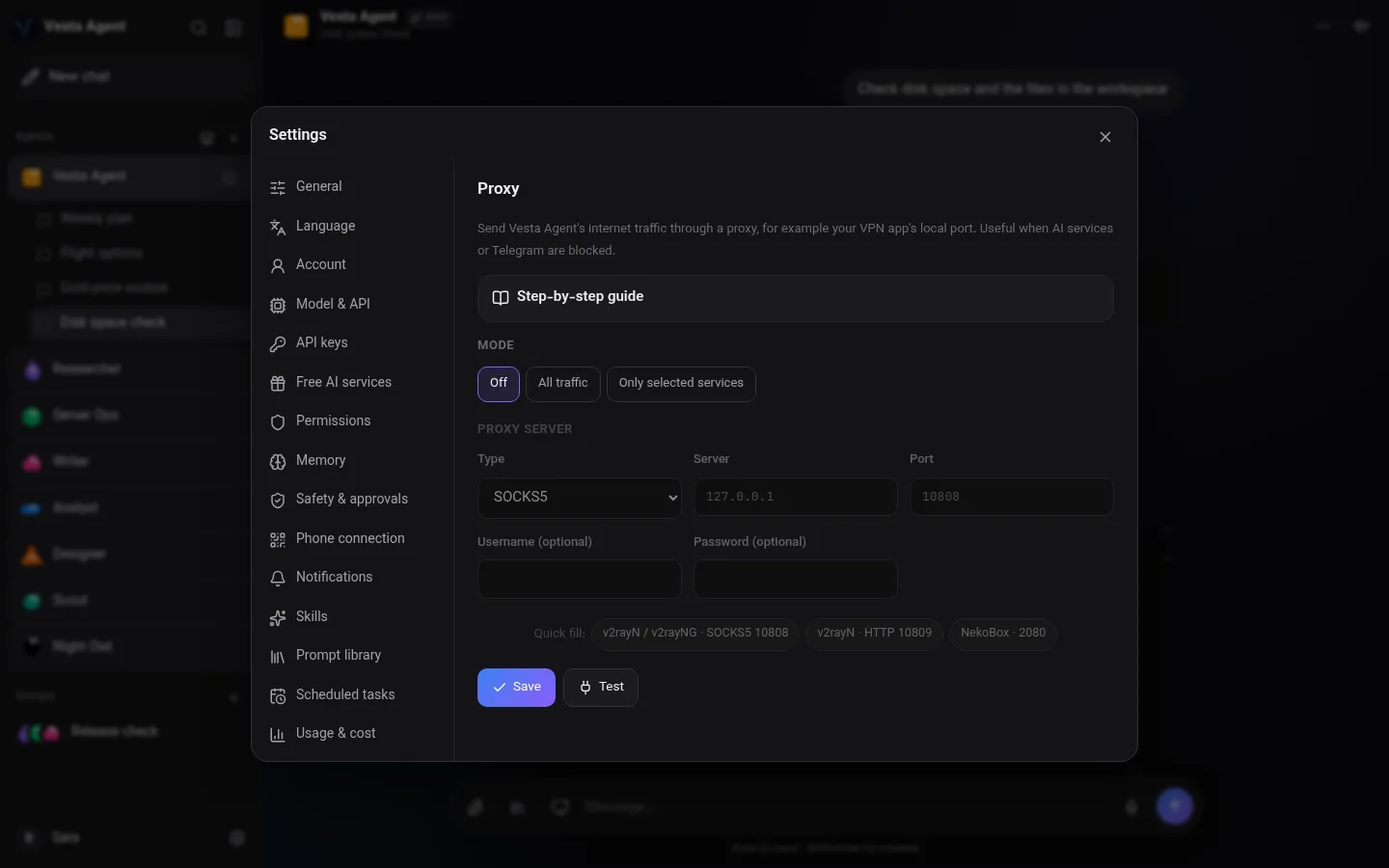
Real HTTP and SOCKS5 proxy per service, with a built-in step-by-step guide.
Run entirely on your computer with Ollama. Nothing leaves the machine.
No accounts and no cloud database. Keys are encrypted on your device.
A small pill that stays on top: progress, approvals and quick chat from anywhere.
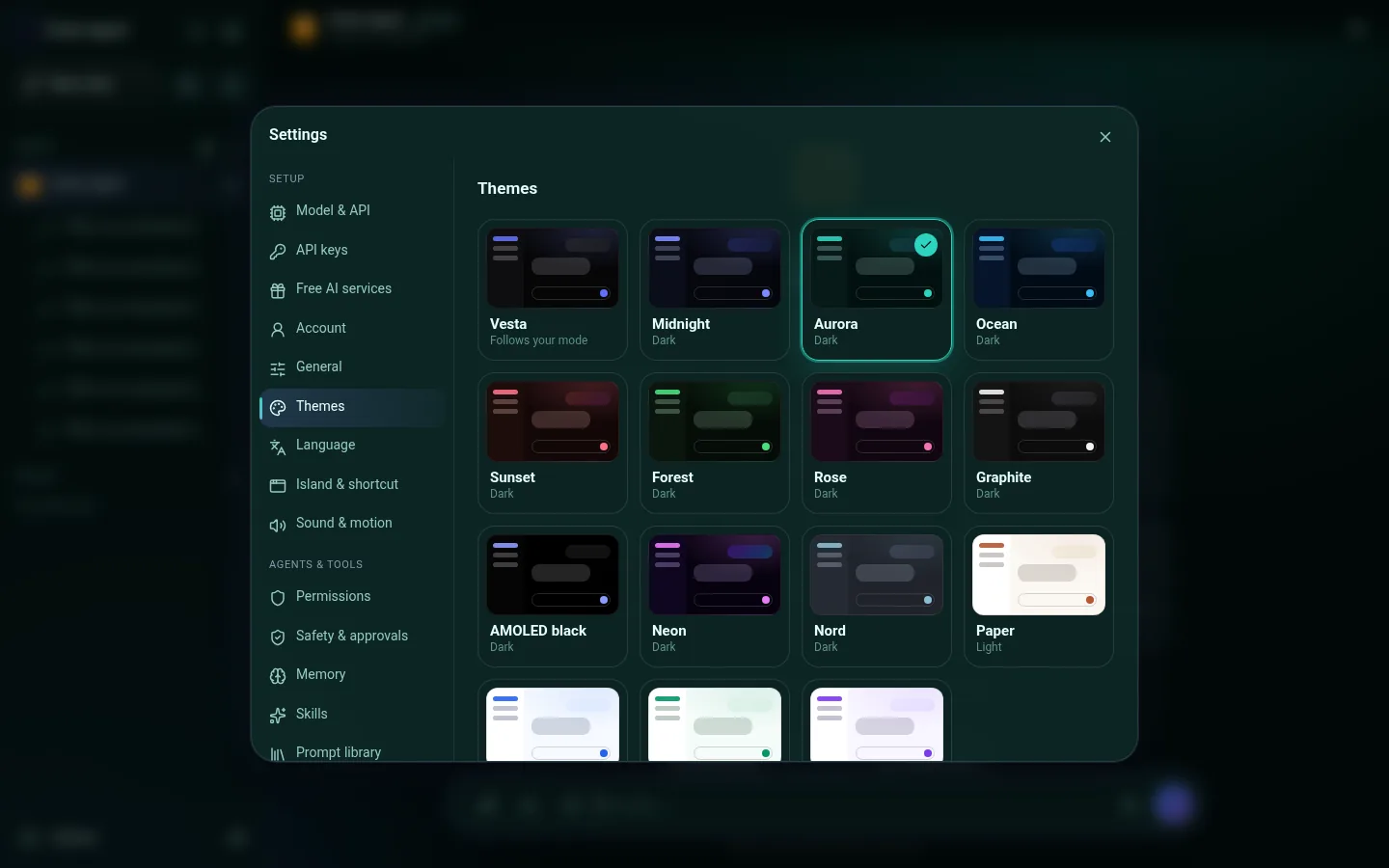
Midnight, Aurora, Ocean, AMOLED black, Paper and more, applied with a smooth reveal. Each agent keeps its own shape and color.
Agents create PDF, Word, Excel, ZIP and media, with previews and a safety warning before programs.
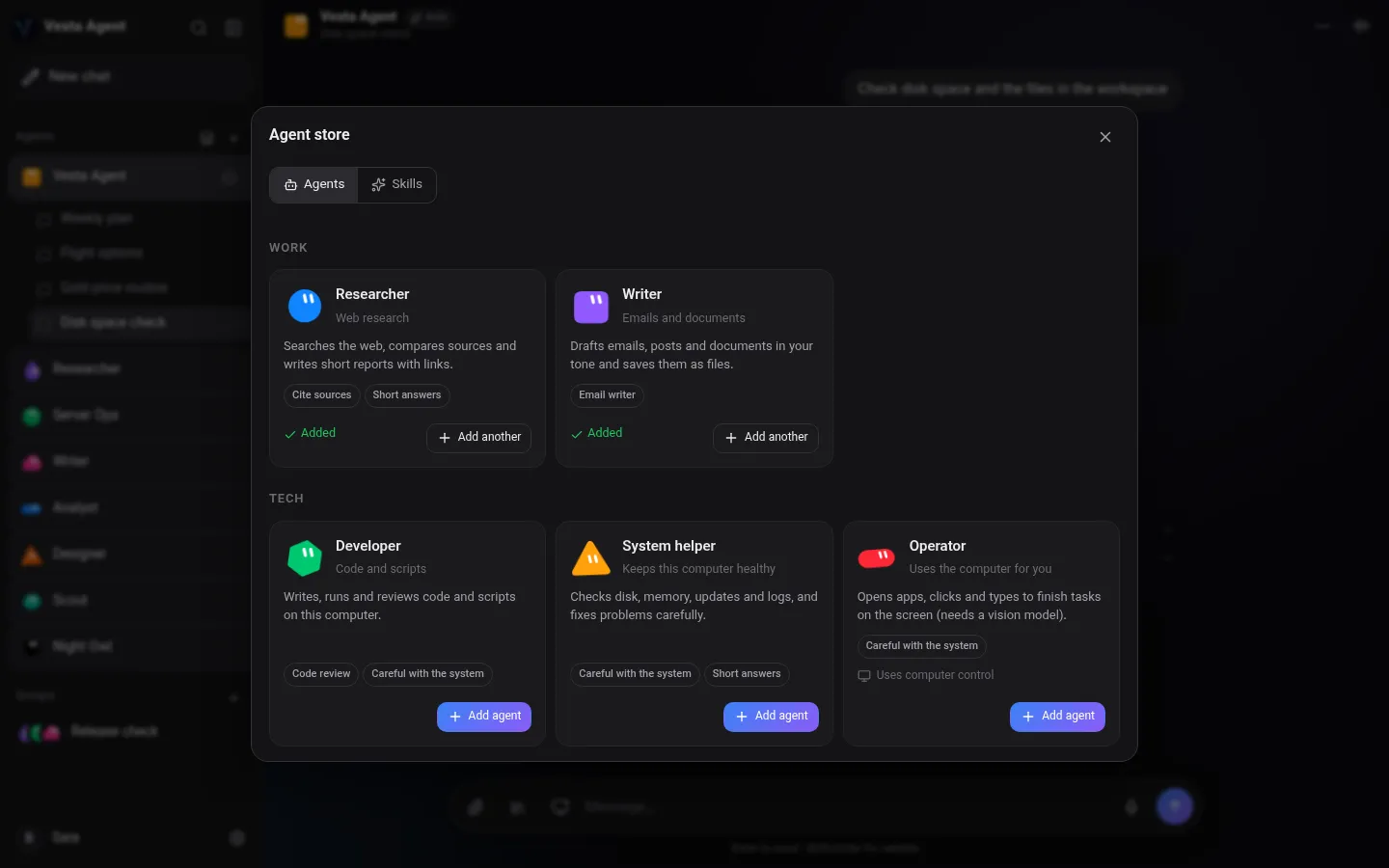
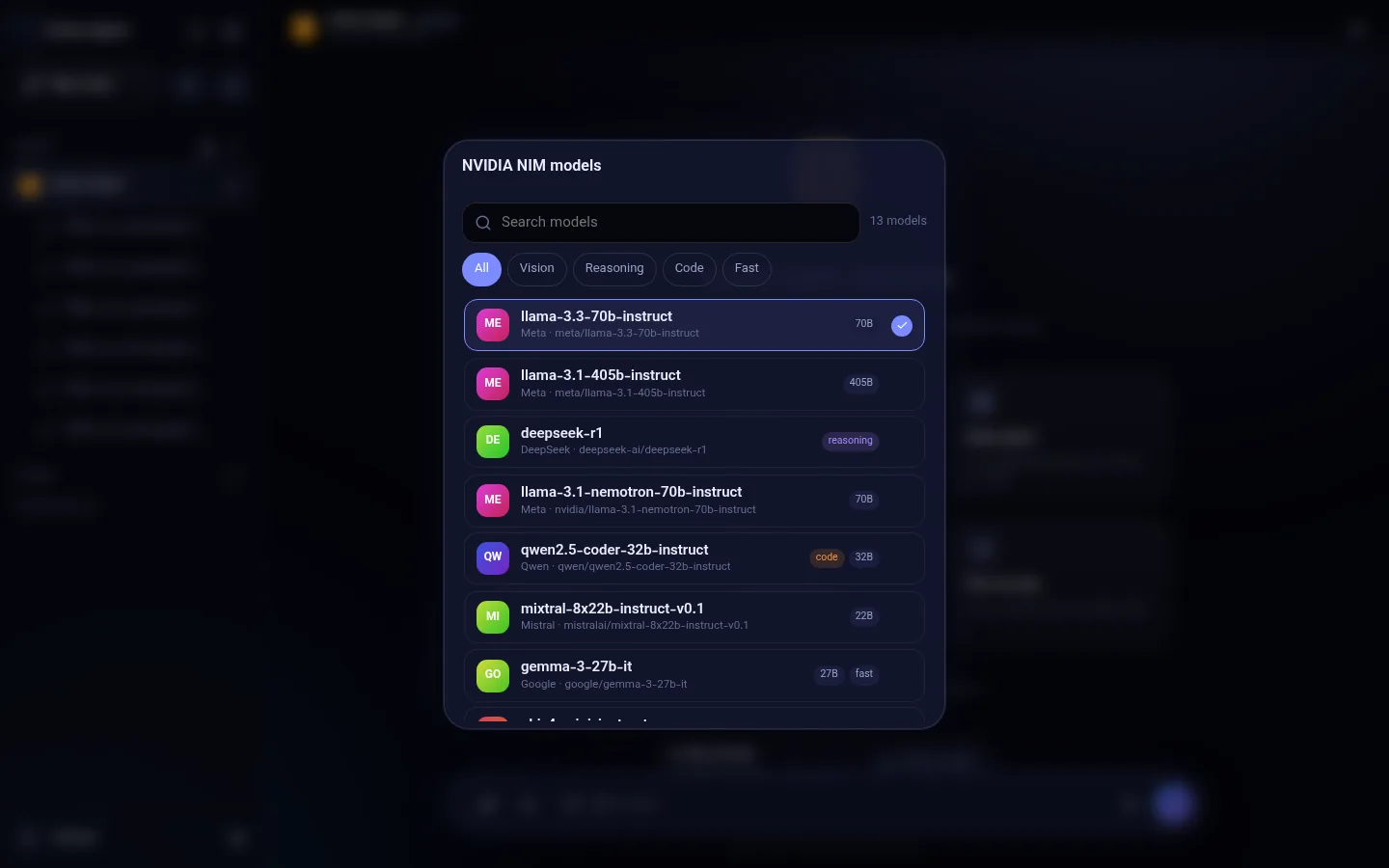
Gemini, OpenAI, Anthropic, xAI, OpenRouter, DeepSeek, Groq, Mistral, NVIDIA NIM and local models, with a searchable model list.
Scheduled tasks and reminders run even when the app is closed, on Windows and Android.
English by default. Switch any time and the whole app updates at once, including Persian and Arabic right-to-left.
On Windows the agent can write a small program and package it as an .exe, an Android .apk (with the Android SDK installed) or an installable web app, icon included.
Glass surfaces, gentle motion and sounds, an animated lock screen and update window, and a Reduce animations mode for older PCs and phones.
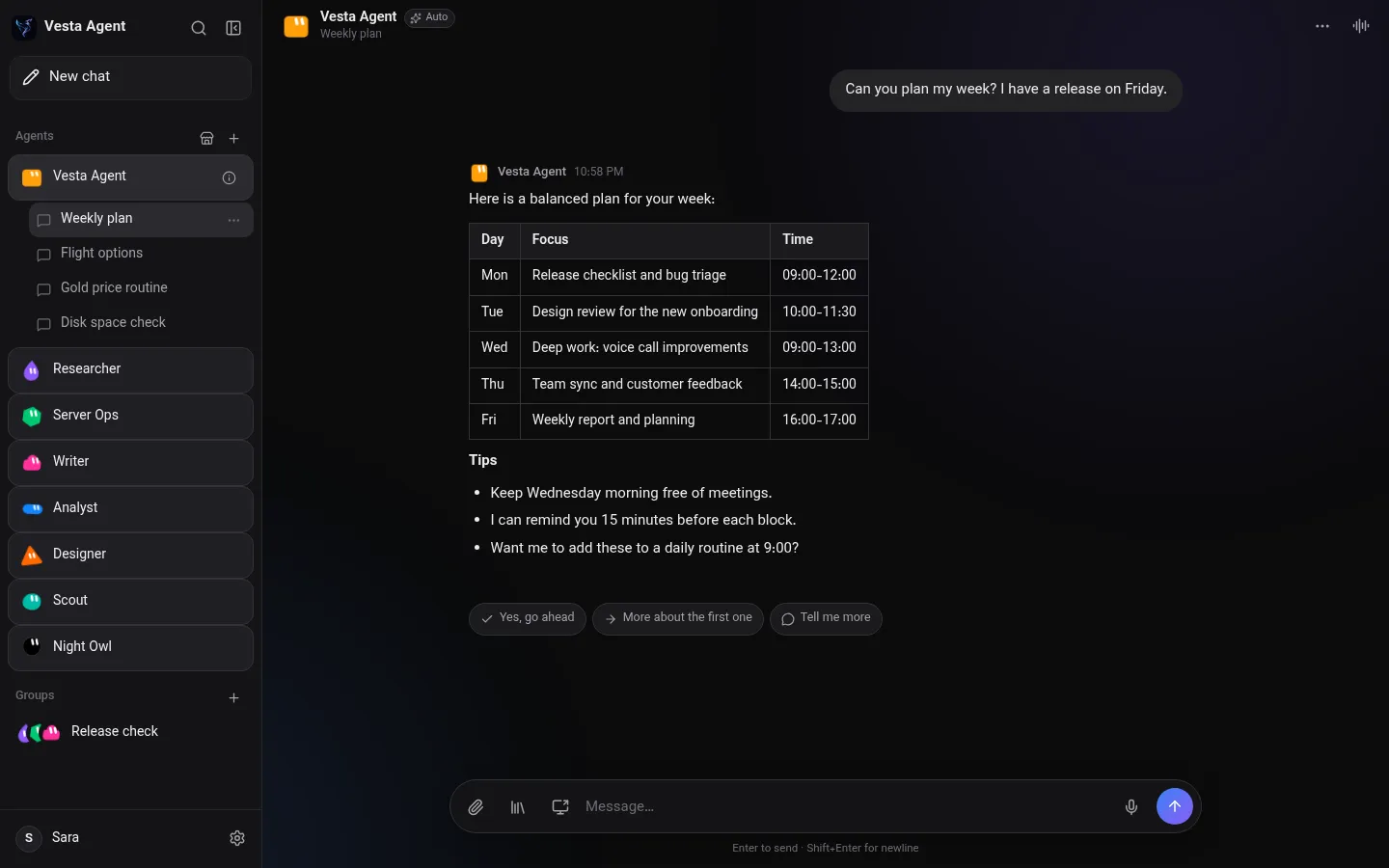
Real screens from Vesta Agent, shown with demo content.
Vesta Agent answering while a task runs in the background
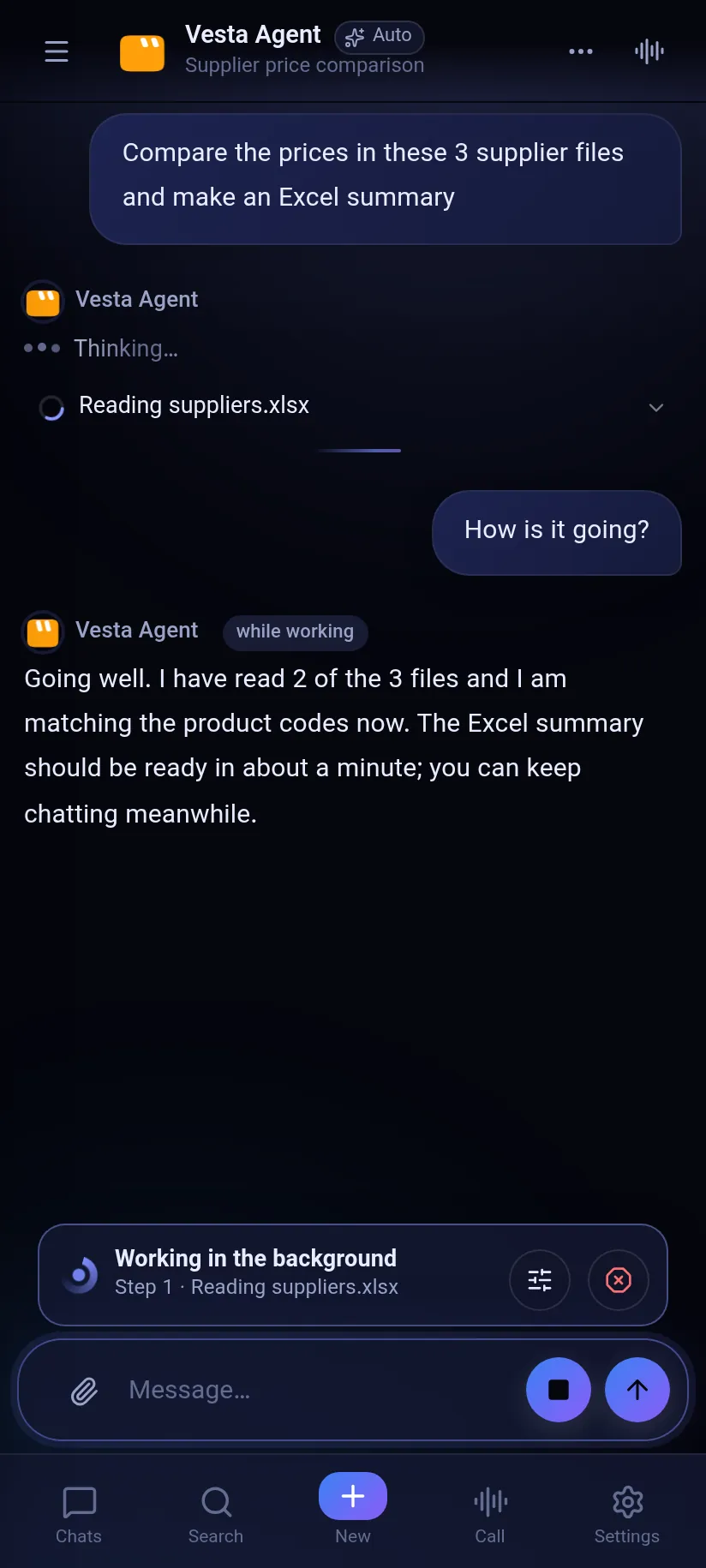
Background task
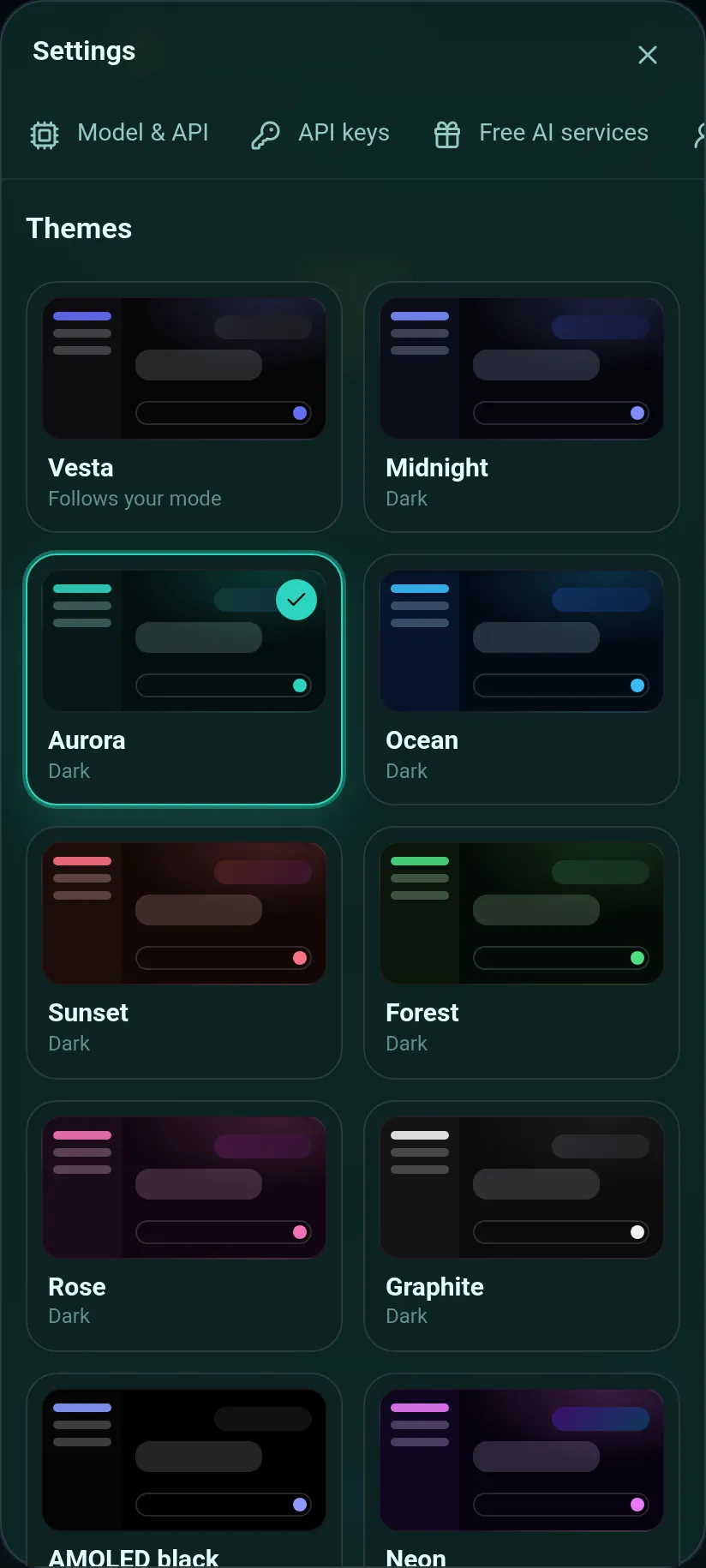
Themes
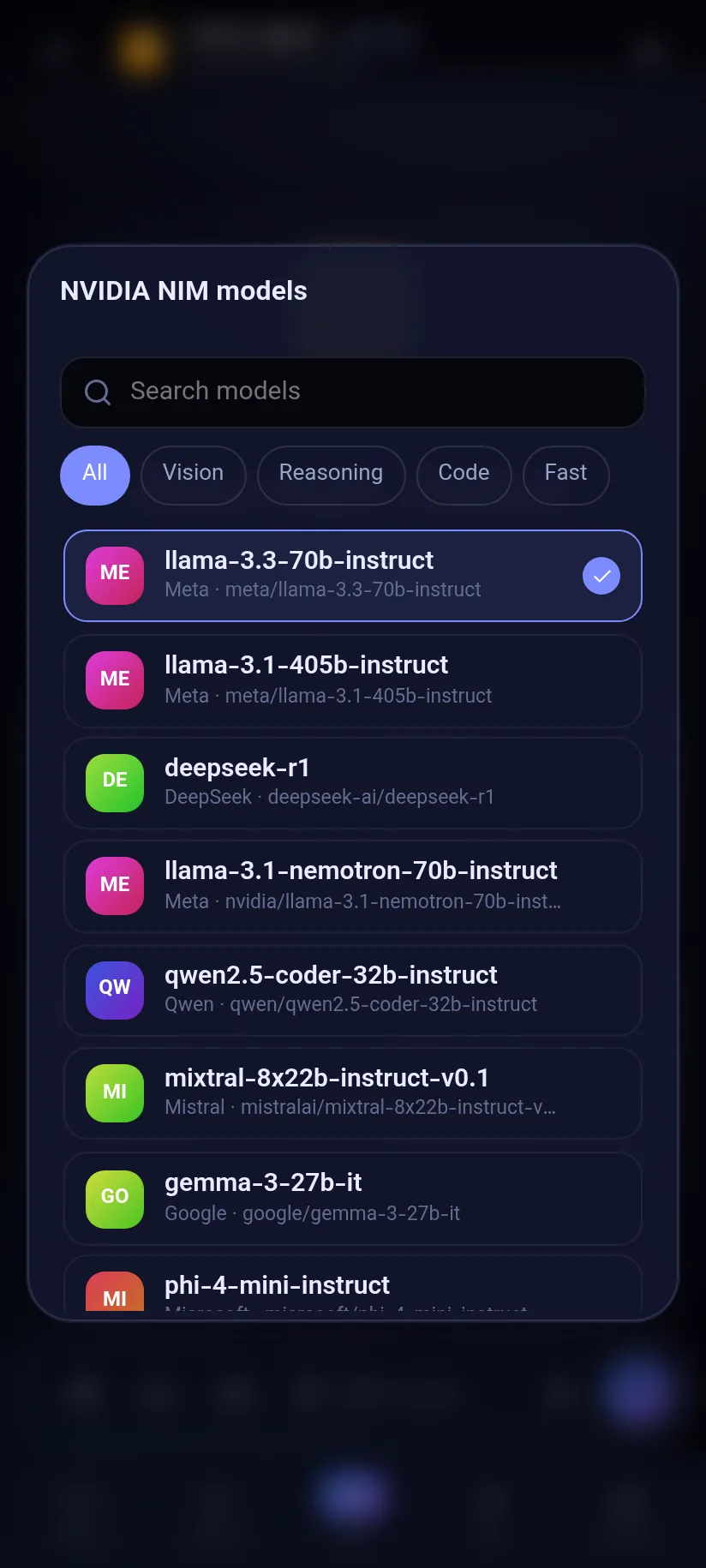
Models
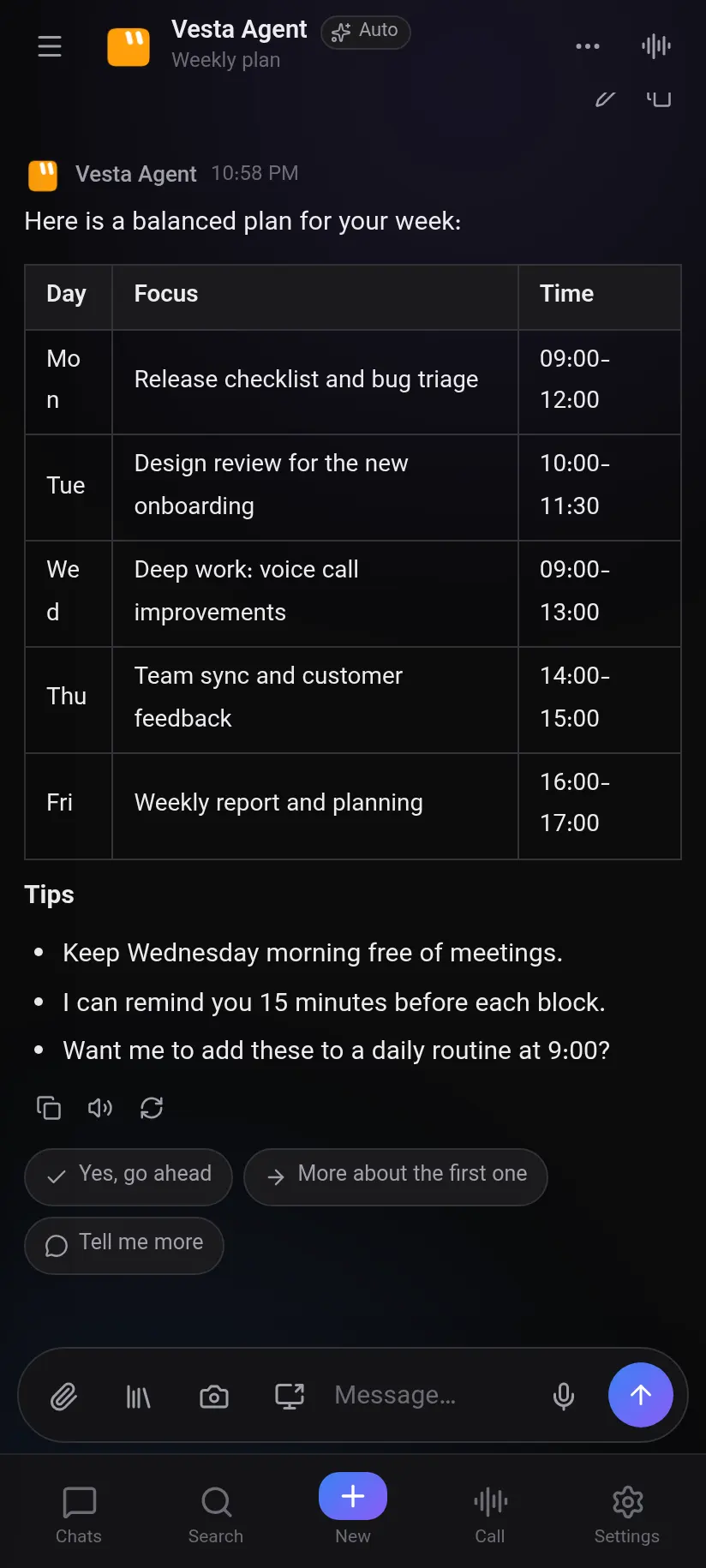
Chat
Latest version: v1.8.1. Installs in under a minute.
sudo apt install ./VestaAgent-*.debchmod +x VestaAgent-*.AppImageNew in 1.8.1: a free AvalAI trial that works in Iran without a VPN, automatic fallback to the trial when your own key fails, a secure input box for sensitive values, Persian app-name search, a floating “Vesta is working” pill, better clicking, and photo and video sending.
New in 1.8: a floating panel over any app, hands-free call mode and “Hey Vesta”, Vesta as your phone’s default assistant, a built-in connection when the internet or your VPN fails, manual model choice, an in-app tutorial video, photos, videos and files in chat, a secure form for tokens and keys, one-tap account connections, video making (also inside editors like Shotcut), website design from reference sites, owner-taught lessons and a right-to-left PIN lock. Linux stays on 1.4.1 for now. New in 1.7: keep chatting while a task runs in the background and steer or cancel it from chat, 15 themes, NVIDIA NIM with a searchable model list, apps built by the agent (.exe, .apk, web app), context-aware suggestions, an animated lock screen and update window, simple Open, Save and Share for files, automatic chat titles and a Reduce animations mode. Release notes
There is no App Store app. Install Vesta as a web app from Safari and connect it to Vesta Agent running on your Windows PC (on the same Wi-Fi or through Tailscale). You get chat, voice and notifications. Phone control is not available on iPhone.
1. On your PC, open Vesta Agent > Settings > Phone connection and note the address (or scan the QR code).
2. On the iPhone, open Safari and go to that address (it must use https when you are away from home, for example through Tailscale).
3. Tap the Share button, then Add to Home Screen, then Add.
4. Open the new icon and finish setup. Chat, voice and notifications work; the agent still uses tools on your PC.
Tip: the same address also works as a bookmark in any browser.
Message our support bot on Telegram, @VestaAgentSupportBot. Send a description, screenshots or a voice message and you get a ticket number. Replies arrive in the same chat.
Yes. The Windows and Android apps are free, and there is a free iPhone web app that connects to Vesta on your PC. You use your own AI key, for example a free Gemini or OpenRouter key, or run models offline with Ollama.
Only on your own device: chats, memory, agents, settings and encrypted keys. There is no Vesta chat server. Optional anonymous usage stats (a random install id, version, OS, language, country, device type and time in the app) can be turned off in Settings.
Yes. Add a proxy in Settings, for example the local port from v2rayN or NekoBox, and choose which services use it. A built-in guide shows each step.
Gemini, OpenAI, Anthropic, xAI (Grok), OpenRouter, DeepSeek, Groq, Mistral, Together, NVIDIA NIM, any OpenAI-compatible provider, and local models through Ollama or LM Studio.
Yes. It checks quietly at launch and only shows a window when a new version is available, then downloads, verifies and installs it for you.
Yes. Since 1.7 long tasks run in the background of their chat. Ask how it is going, add or change instructions, or cancel it, without stopping the work.
Persian Studio, founded by SOBi and Mahan.
The installer is not yet signed with a paid certificate. Click More info, then Run anyway.
Report a bug, ask a question or send a suggestion to our Telegram support bot. Screenshots, files and voice messages are welcome. You get a ticket number, and we reply right in the chat.
Support on Telegram